Tip: Start typing to get instant search results.
How to issue a wildcard SSL certificate
When a domain has many subdomains, such as blog.example.org, shop.example.org or app.example.org, issuing and renewing a separate certificate for each one becomes time-consuming and error-prone.
The solution is a wildcard SSL certificate, which is issued for example.org and *.example.org and covers the main domain along with all of its subdomains, including any created in the future. This way we have a single issuance, a single expiration date and immediate protection for every new subdomain. A wildcard SSL certificate covers one level of subdomains, which means shop.example.org is covered, while dev.shop.example.org is not.
Below, we’ll see in detail how to issue a wildcard certificate through DirectAdmin.
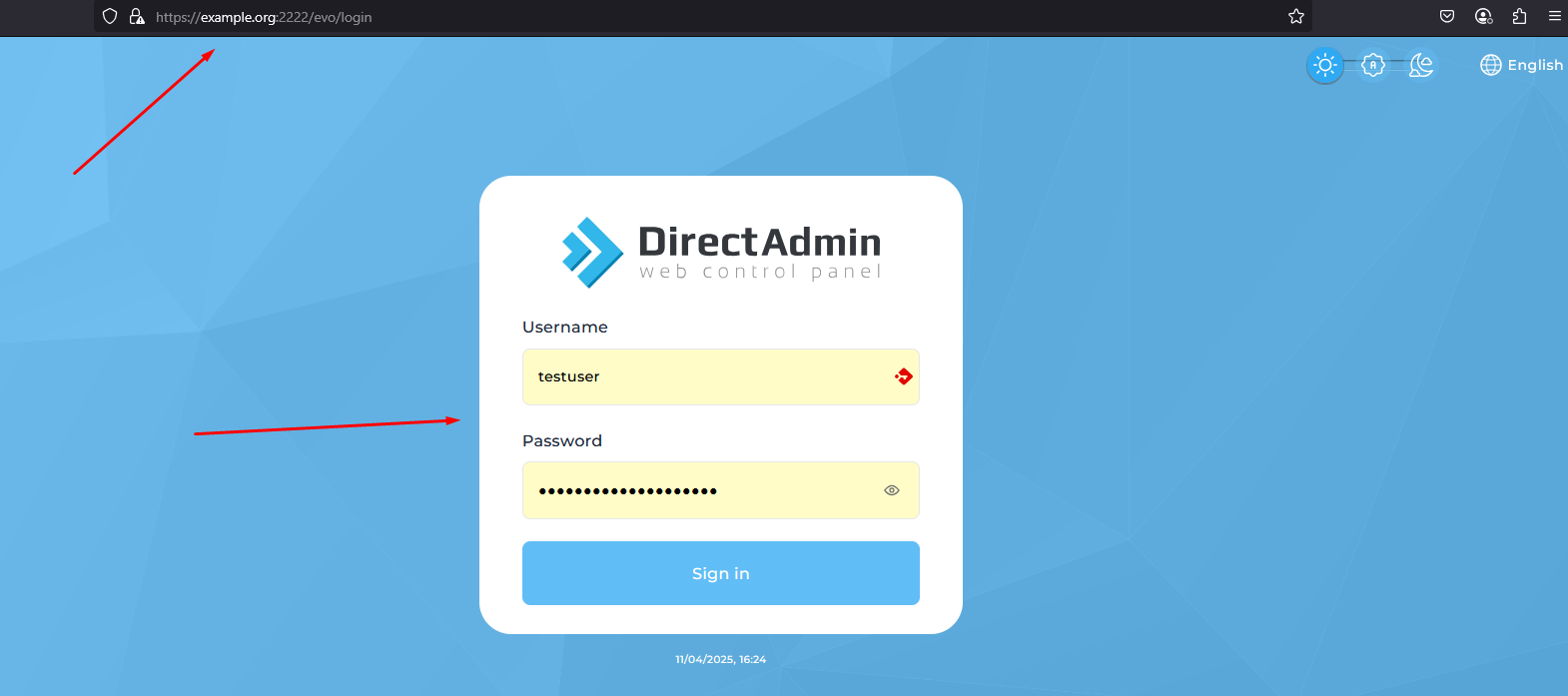
- We access DirectAdmin by typing our domain as domainname.tld:2222 and log in with our username and password.

- From the Account Manager menu, we select “SSL/TLS CERTIFICATES”.
- We select “ACME settings” and enable “Prefer wildcard certificates”.
We click Save Changes.
- Next, we select “Manage certificates” and see that the “NEW CERTIFICATES” to be issued cover the domain example.org and all of its subdomains through the wildcard *.example.org.
We click “PROVISION NOW” to issue the SSL certificate.
- We can see that the wildcard SSL certificate has been issued successfully. We’re also shown its status (Valid), its validity period, and that it will now renew automatically.