Tip: Start typing to get instant search results.
How to Enable SSH Access for a User as a Reseller in DirectAdmin
This article is about Reseller hosting. As a Reseller, you can centrally manage multiple accounts/users on your own hosting packages. To enable SSH if you don’t have a Reseller account, you can contact our support team.
Enabling SSH for a user in DirectAdmin allows the user to use the built-in Terminal available in the DirectAdmin panel, as well as to connect via SSH from any other external SSH terminal of their choice.
As a reseller, to provide SSH access, we recommend that you modify the user’s package or create a new user package, which you will assign to the users you want to have SSH access. Below we present, step by step, how to enable SSH on the package of a user named test_user, as a Reseller.
Note: Since SSH gives shell access to the server, we recommend enabling it only for users who need it and who also have the knowledge to use it properly.
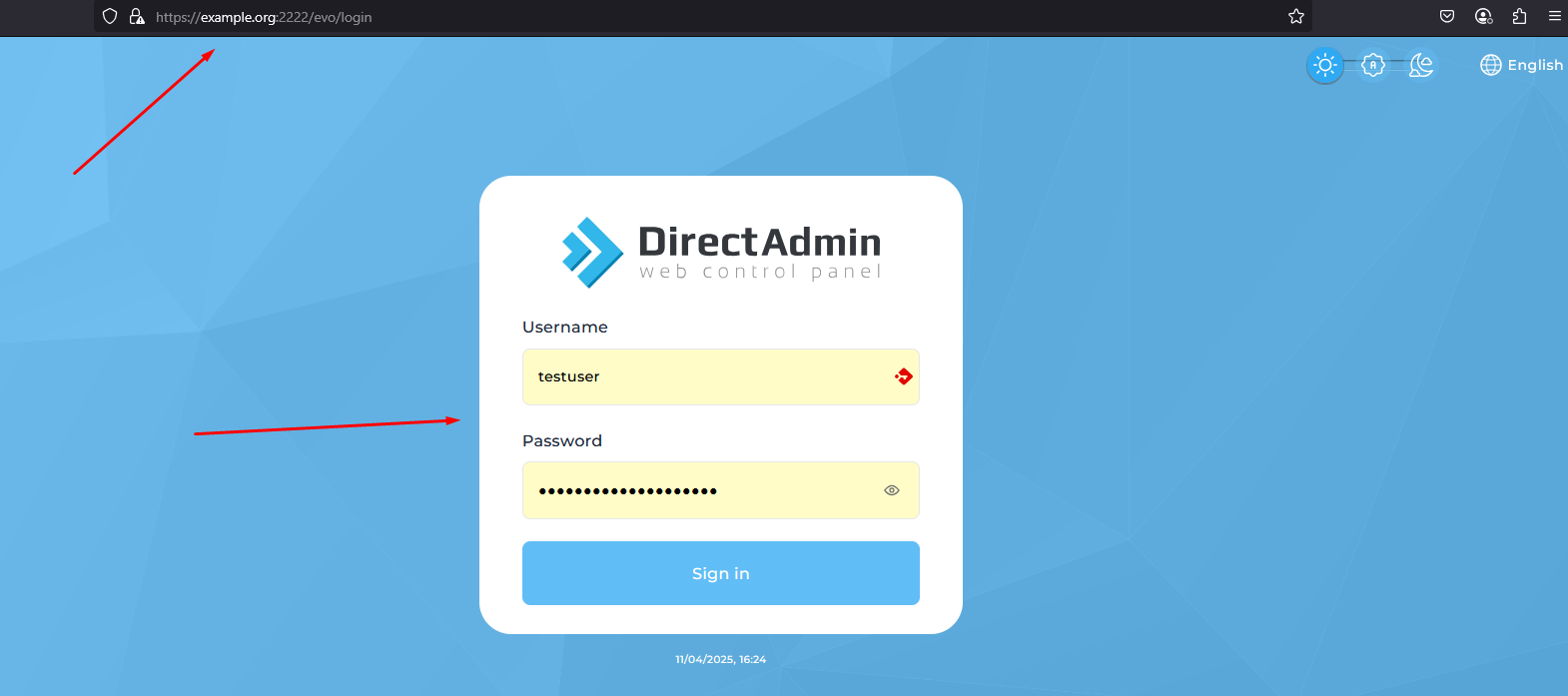
- Log in to DirectAdmin through your browser by entering your domain https://domainname.tld:2222 and signing in with your credentials.

- Select “Manage User Packages“. Copy the package the user currently has, e.g. “Small-Package”, and give the new package a name such as “Small-Package-SSH”, so that it is clear it is the same package as the original, with the only difference being SSH access. The copy keeps the limits and resources of the original package. In the settings of the new package, enable the “SSH Access” option and click Save.


- Next, go to Account Manager > My Users, select the user you want to enable SSH for, and click “Modify user” to change their package. Select the desired package, here “Small-Package-SSH”, and click “Save”.

- The user now has SSH access, either through the DirectAdmin panel using the “Terminal” option, or by using any other external SSH terminal client with their username and password.